← Toolbox

TouchDesignerHardware control for TouchDesigner · working

Fine Tuning

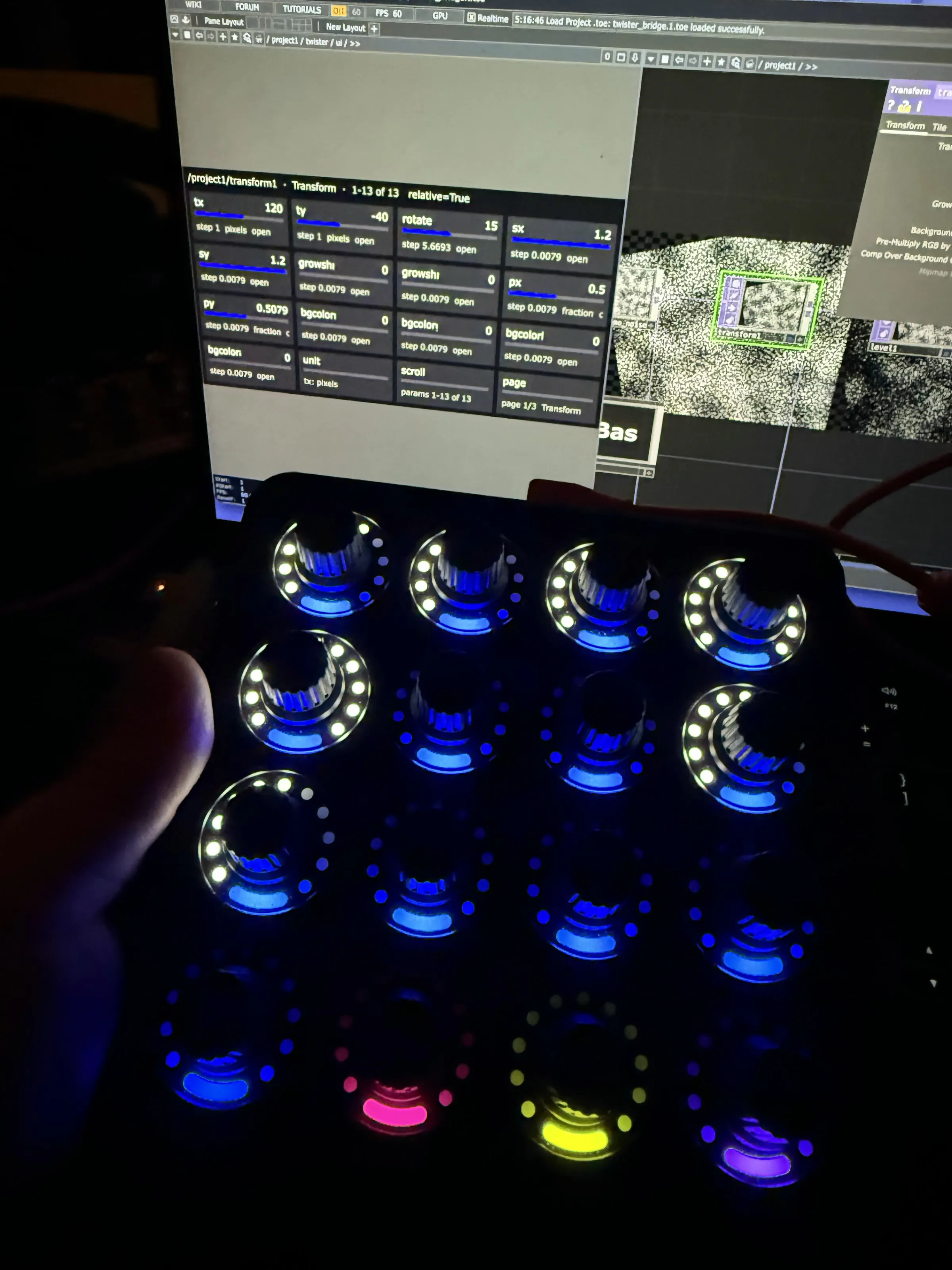
The Midi Fighter Twister as a parameter panel for TouchDesigner. Its sixteen knobs follow whatever operator is selected and the parameter page on screen. A twist moves a value, a click makes the step finer or coarser, a hold puts it back to its default, and a value changed in TouchDesigner moves its knob’s ring. Each page lights the knobs in its own colour.

I made it as the control surface for my 16mm projector, and to work TouchDesigner by hand instead of by mouse.
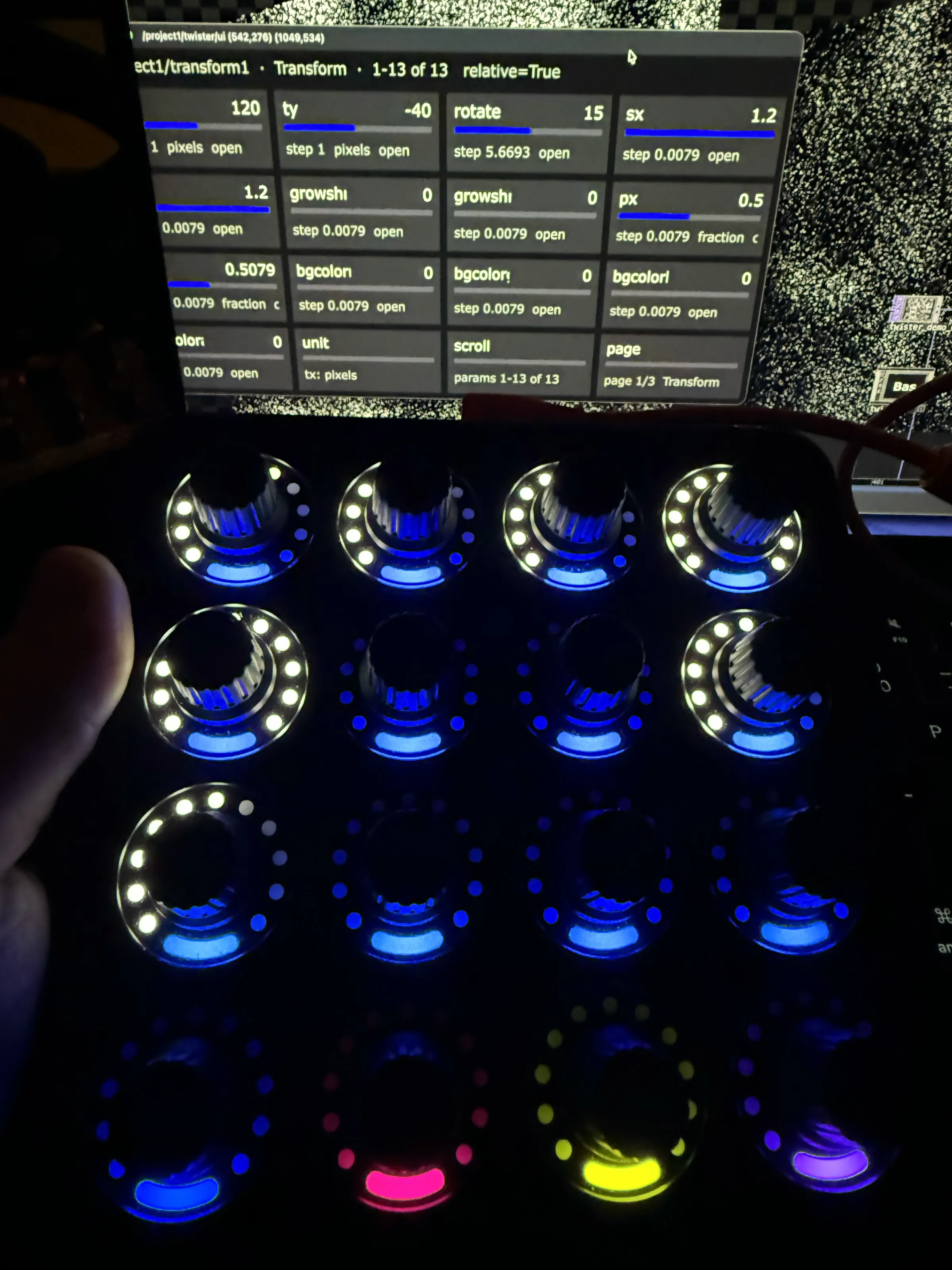
Moving: three moments with the Twister — a twist moving a value on the panel, a page flip turning the rings green, the image turned cyanThe Midi Fighter Twister lit, its rings showing a transform’s values, with the same values on the panel on screen above itWider: the panel, the network and the parameter dialog on the laptop, the Twister in front

Process

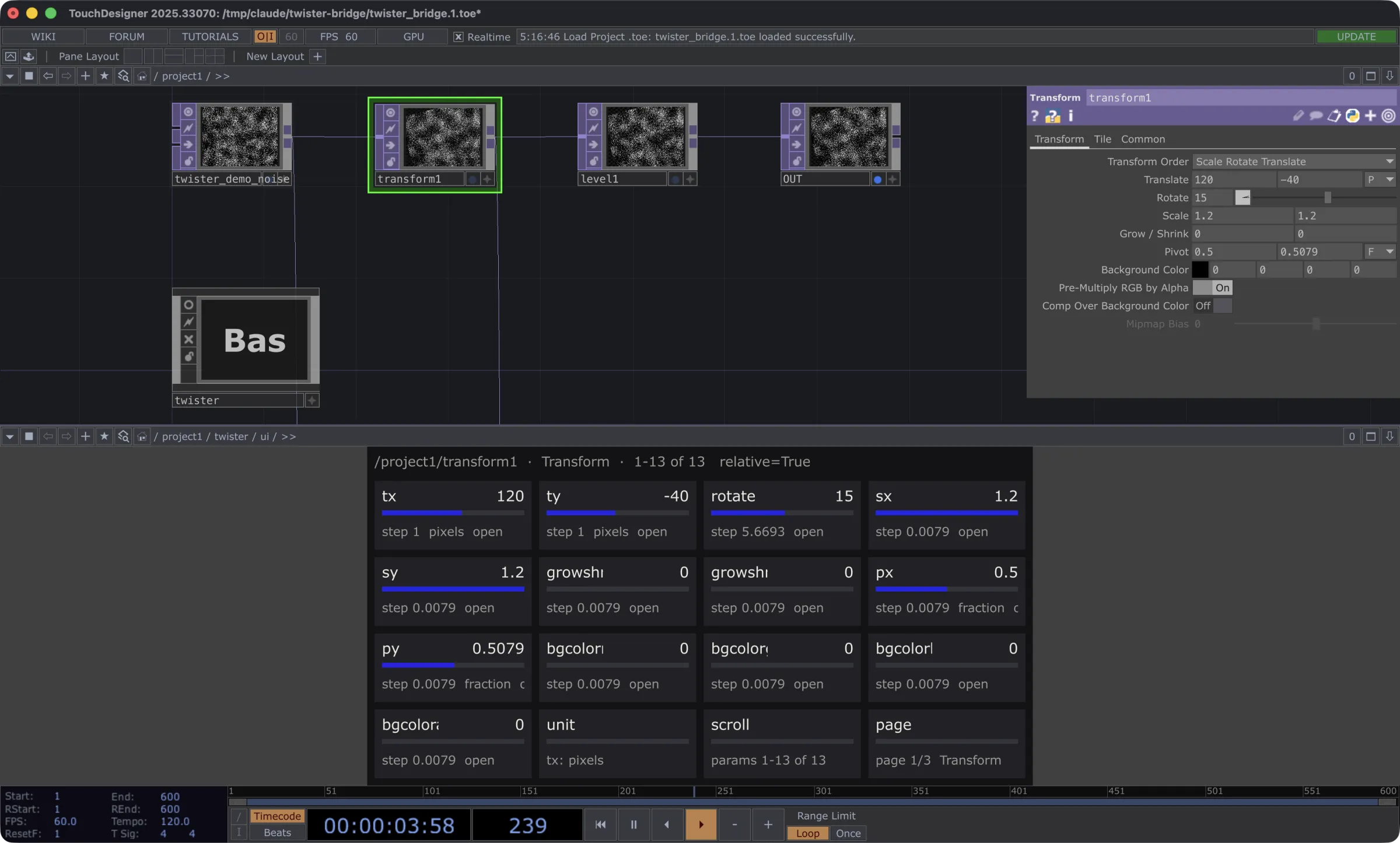
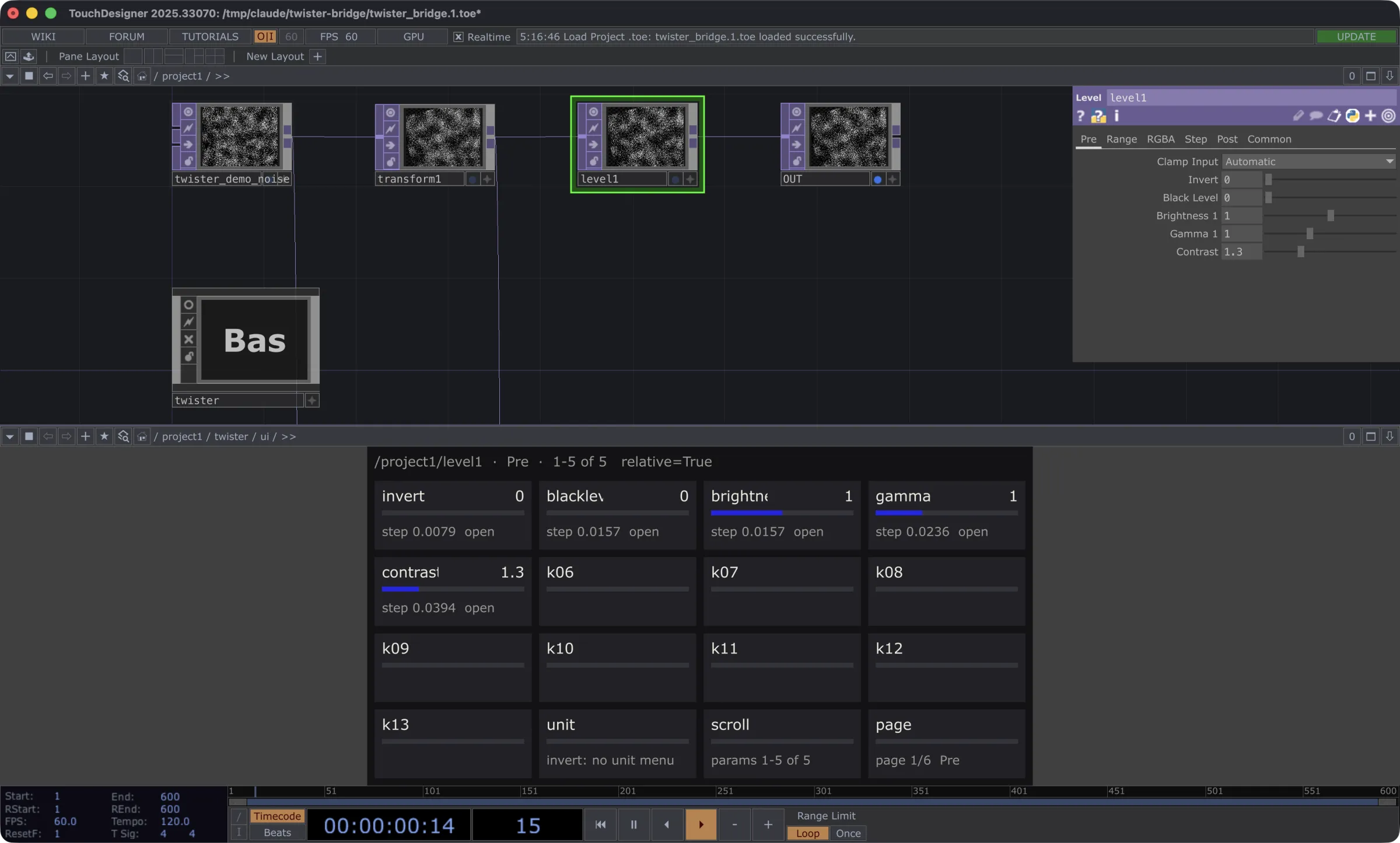
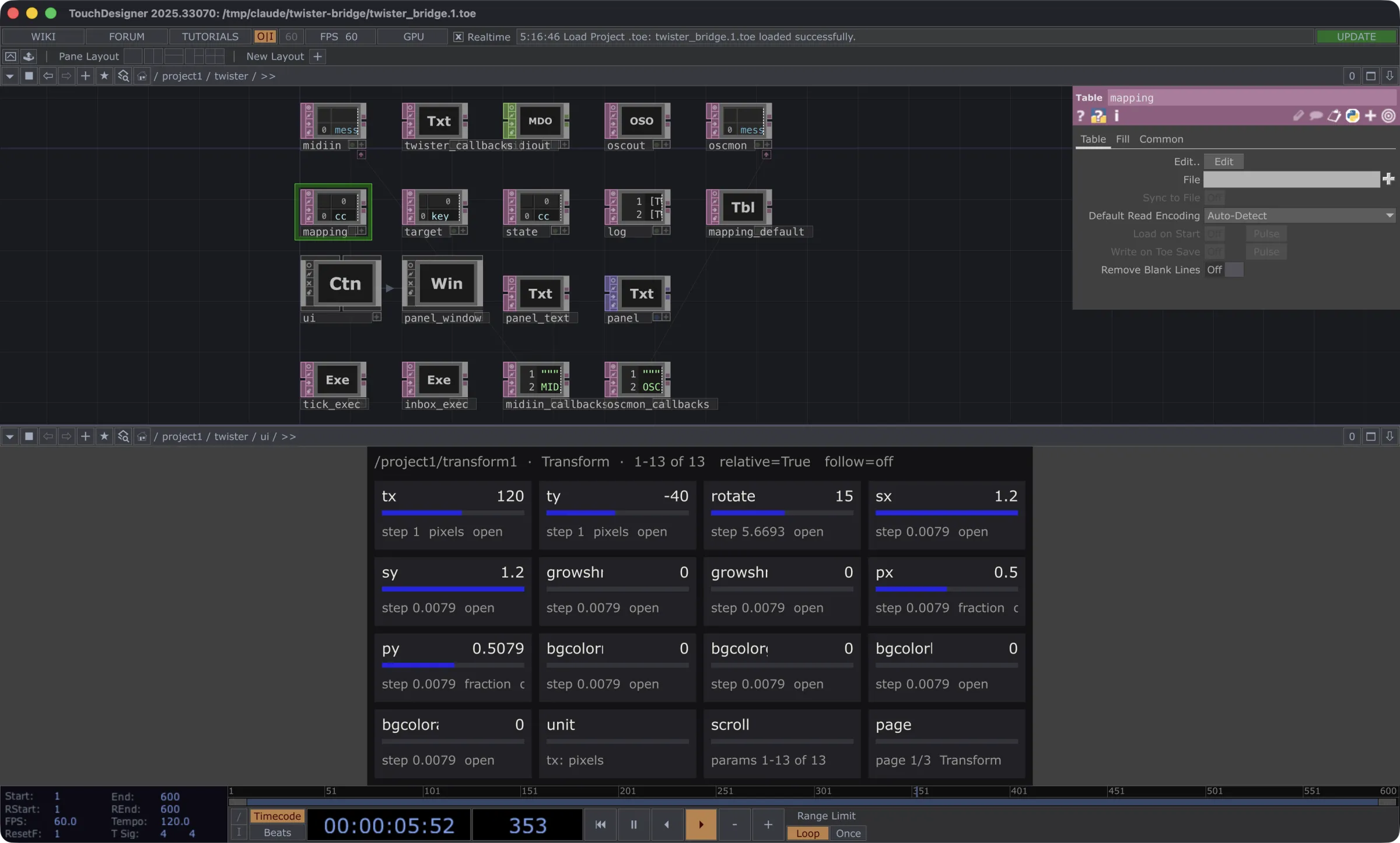
TouchDesigner with a transform selected: its parameters, and below them a cell for each of the Twister’s sixteen knobsA level selected instead: the knobs have followed it, the panel showing its first pageInside the bridge: MIDI in and out, the mapping and state tables, the panel and its timers